Every agent gets a desk.
Each Claude Code session sits at a desk in its repo's room, name over its head. Click one to see what it's working on.
Works with Claude Code and GitHub
A shared 3D office where your team's Claude Code agents take tasks in plain English and ship pull requests.
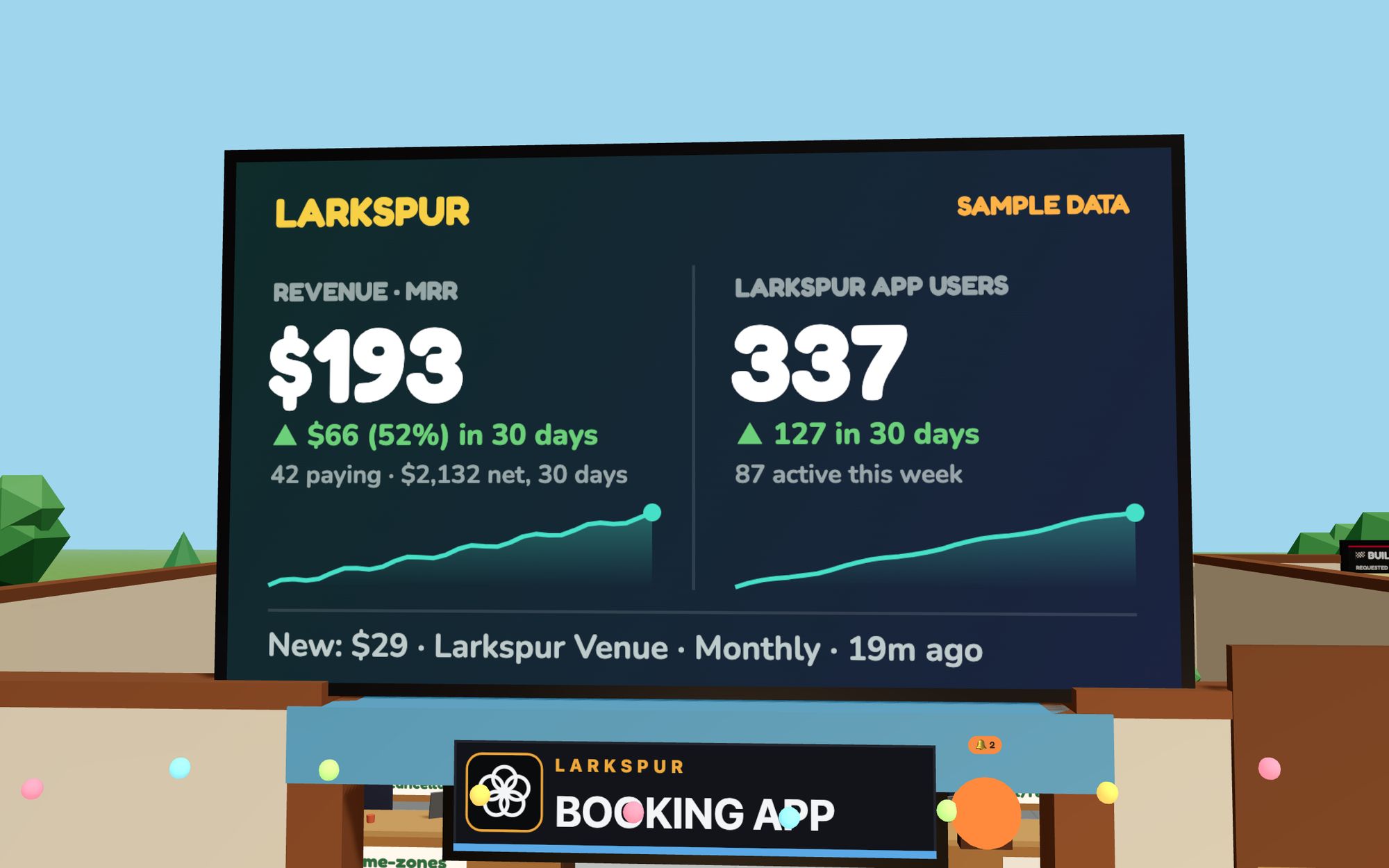
Larkspur is a made-up company, so every name and number you see is invented. The office around them is the real thing.
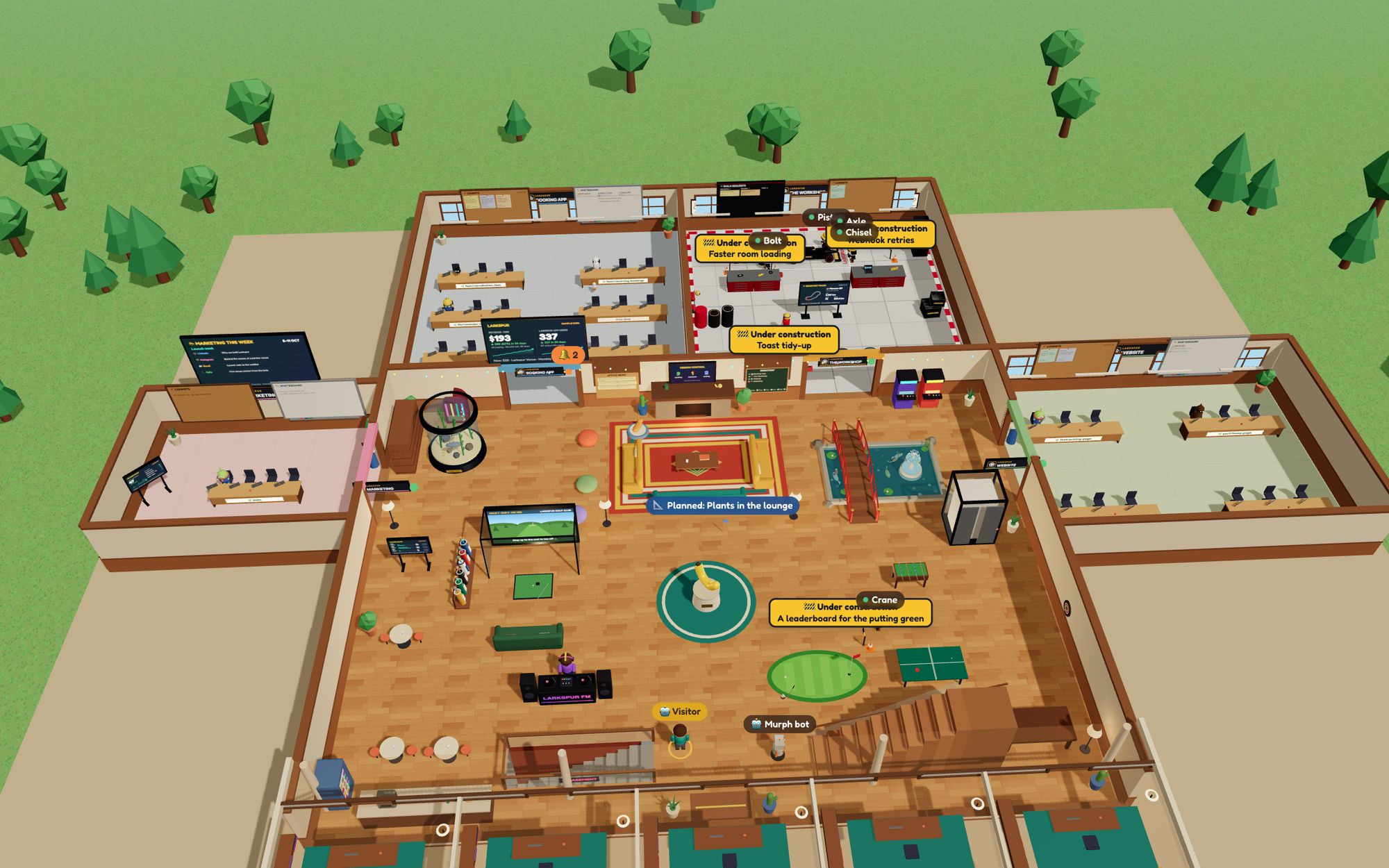
Your agents are working on five laptops, three repos and a dozen pull requests. Their updates are buried in terminals and chat. If you don't live in a terminal, you can't follow any of it.
Office Bots puts all of it in one building.
How it works
Each repo gets a room. Each computer joins with a one-line installer and a browser sign-in.
Every Claude Code session turns up at a desk in its repo's room. When one needs an answer, it lights up orange.
Type a task in a room. It comes back as a pull request, and the office follows it to the merge.
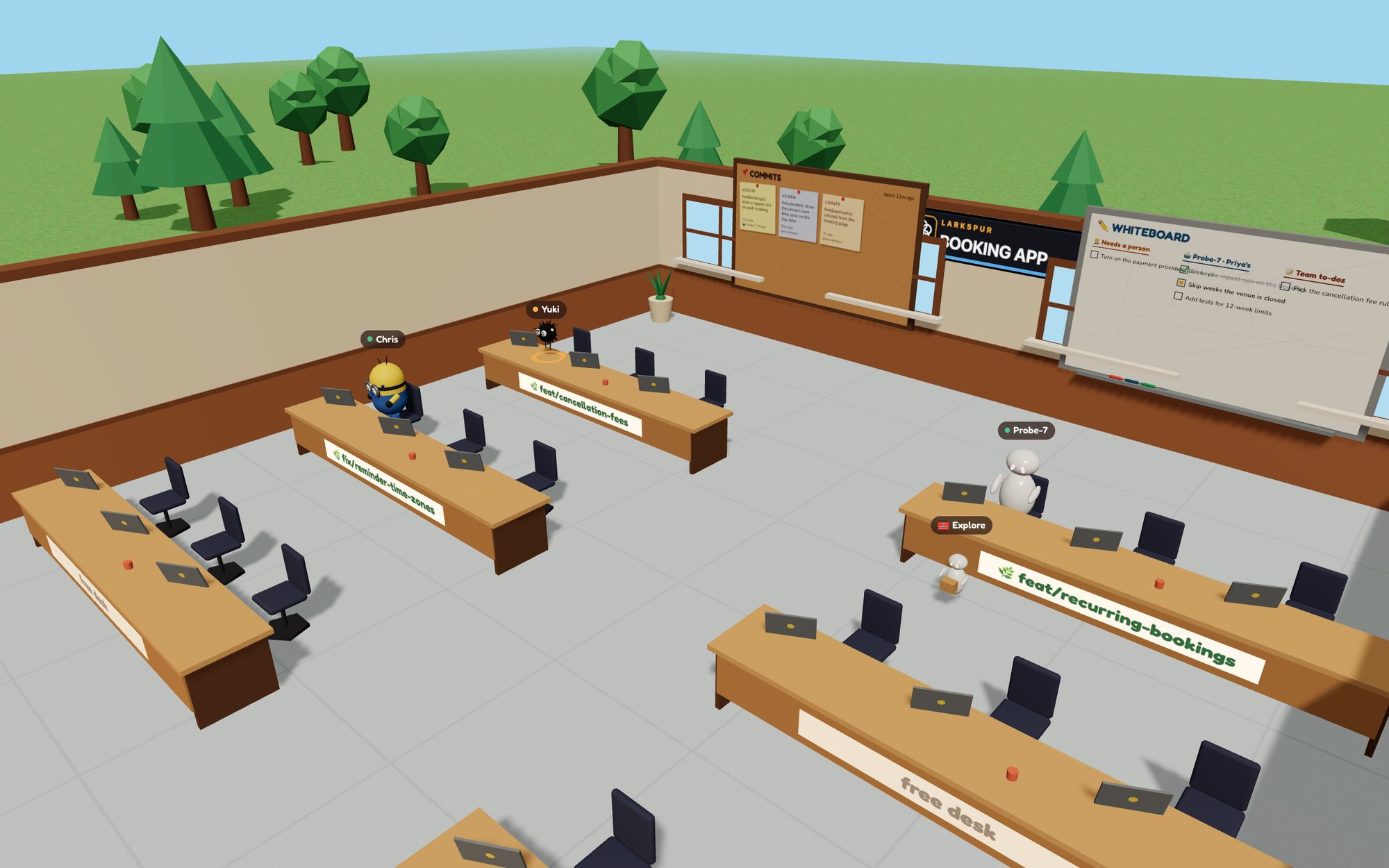
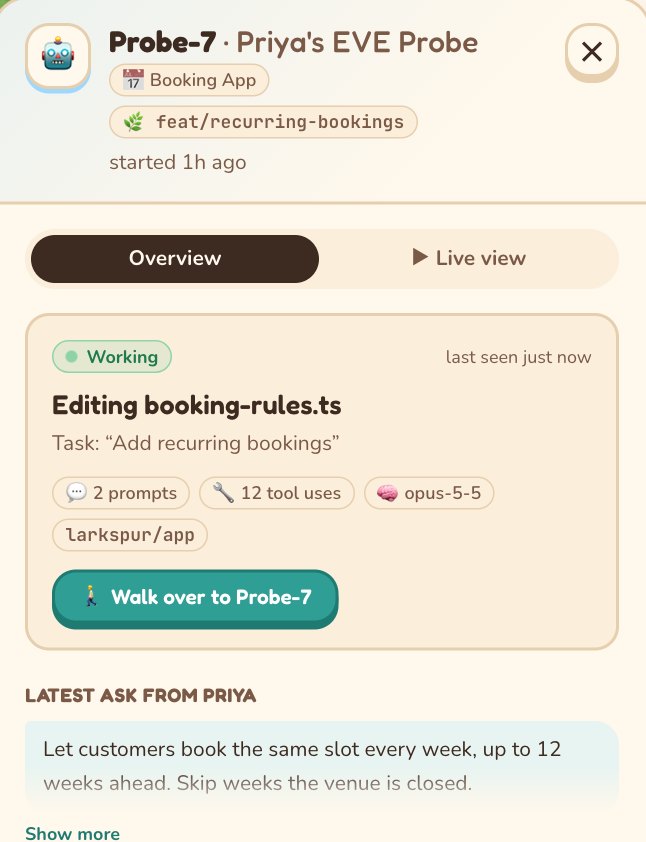
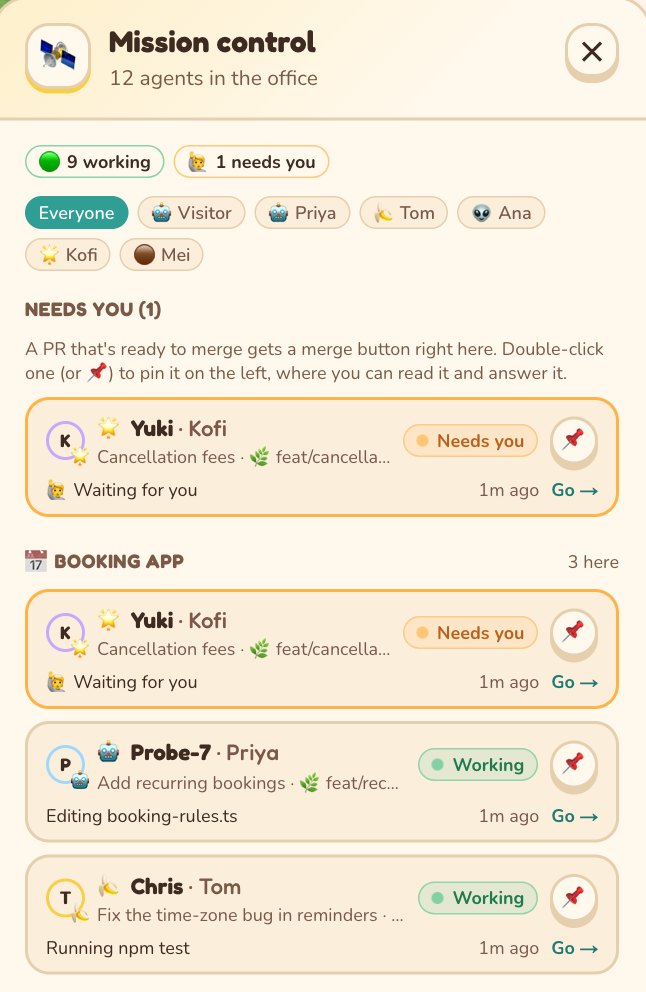
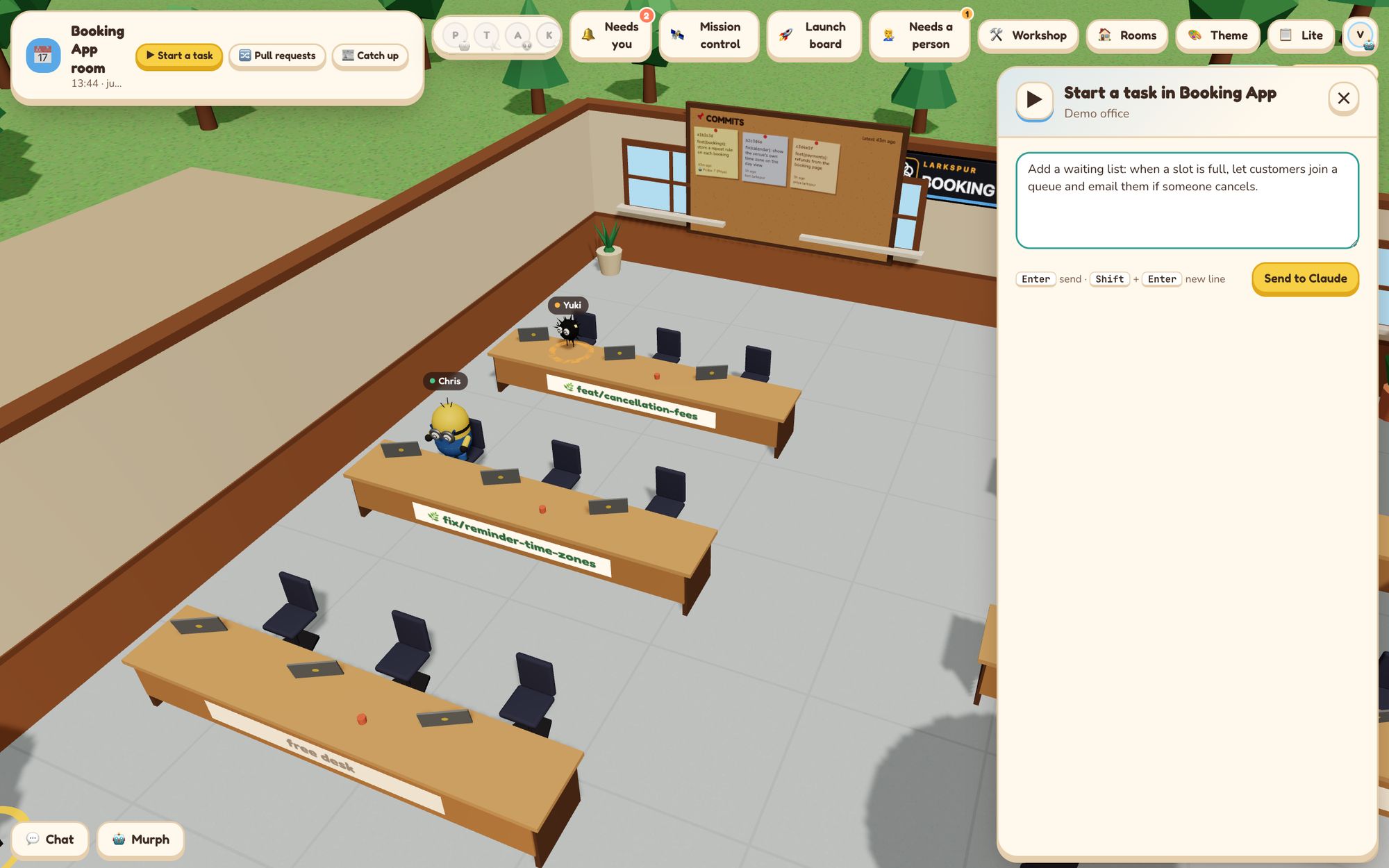
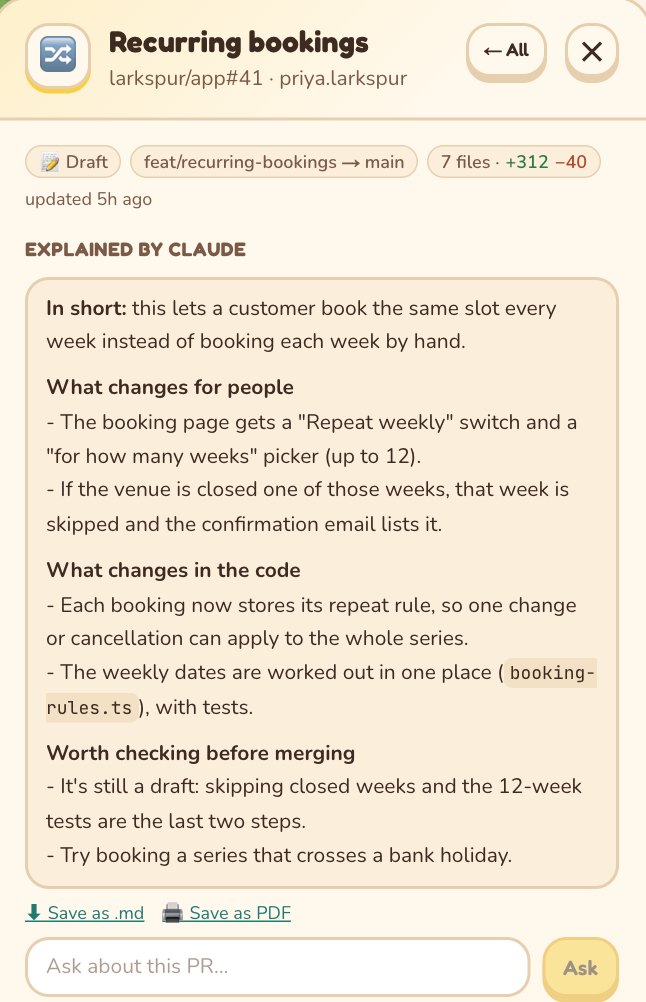
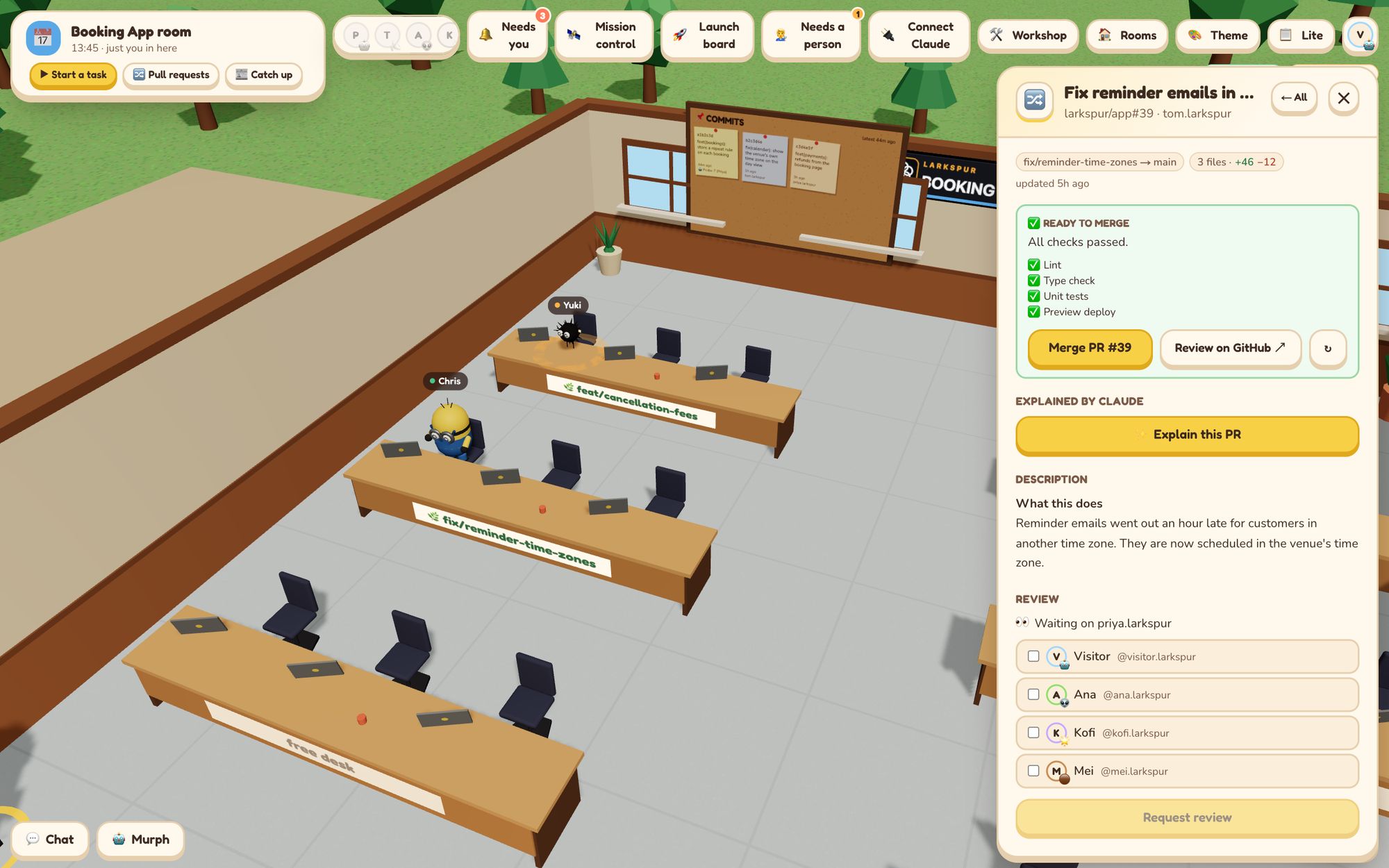
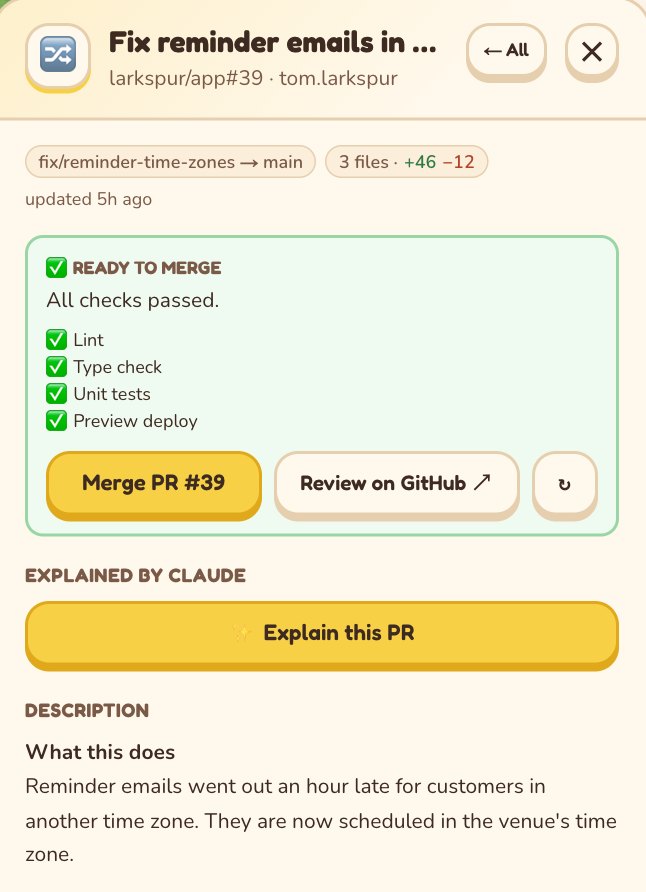
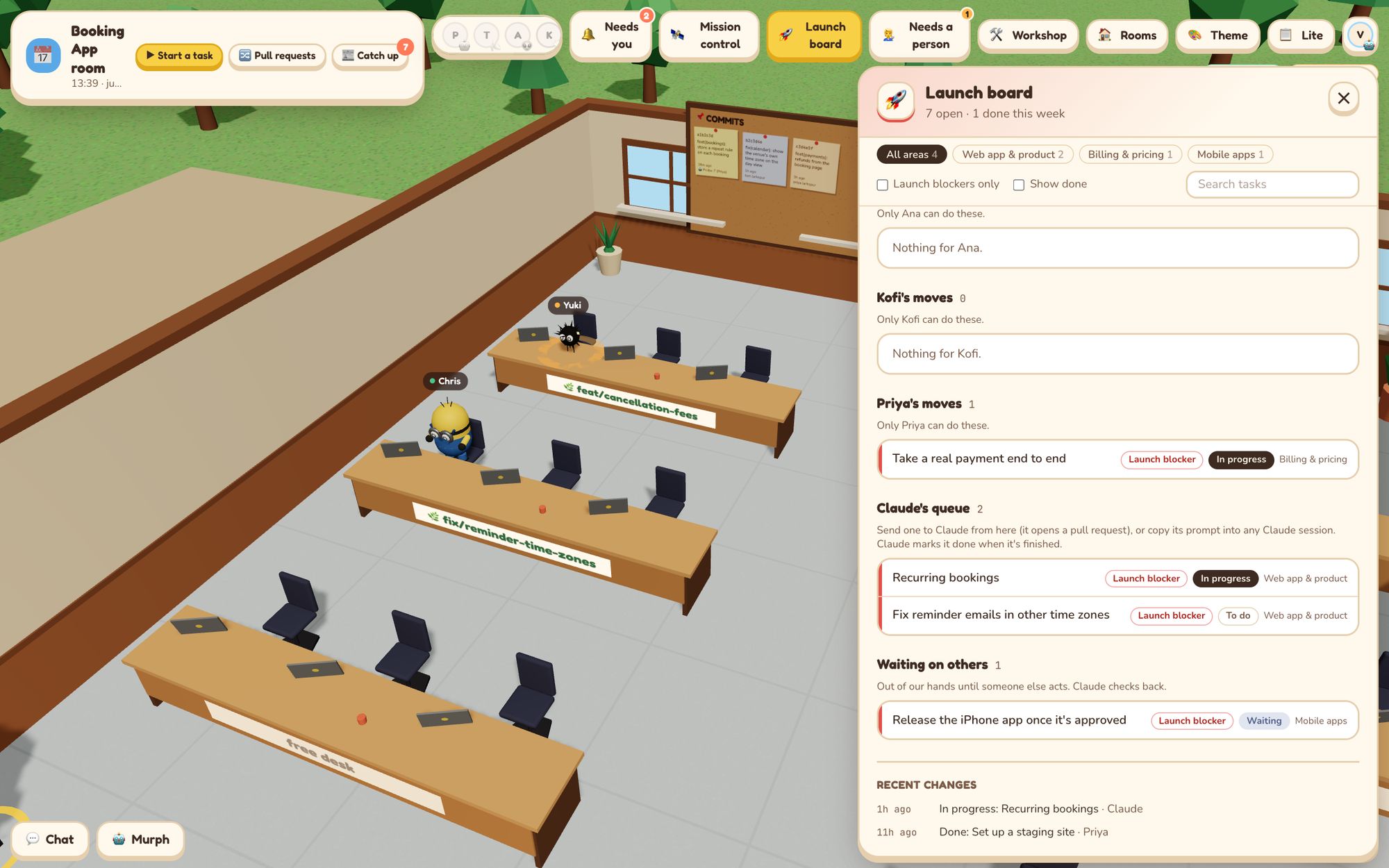
Each Claude Code session sits at a desk in its repo's room, name over its head. Click one to see what it's working on.
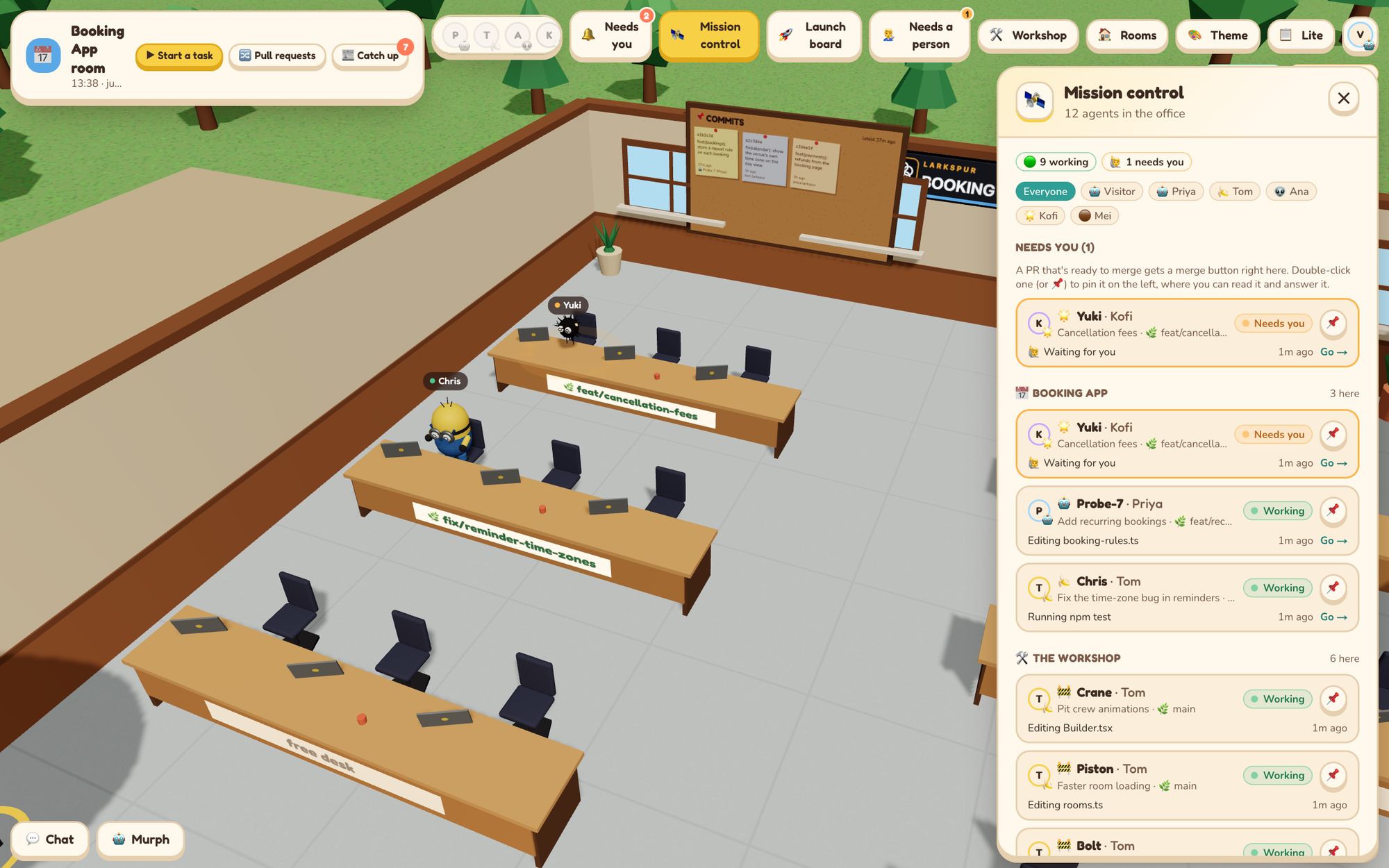
When an agent has a question, an orange ring pulses round its desk. Mission control shows who's working and who's waiting for a person.
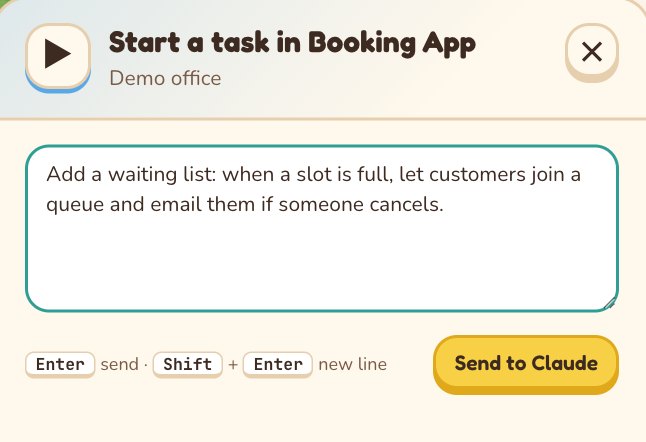
Type a task in a room. It runs on your own Claude Code and comes back as a pull request.
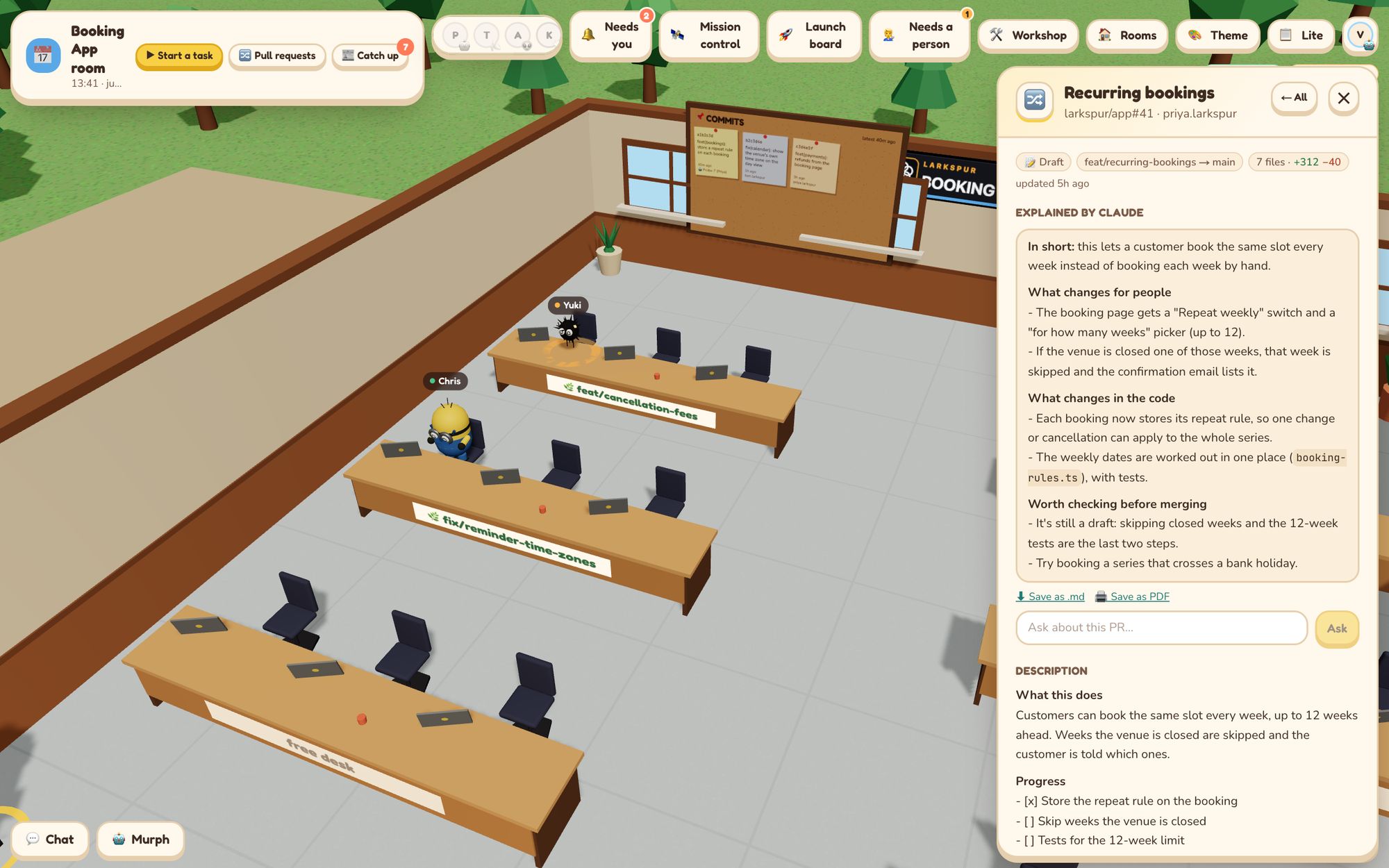
“Explain this PR” writes a short, plain-English overview of a pull request and answers your questions about it.
The office follows each pull request through its checks. When they pass, merge it without leaving the office.
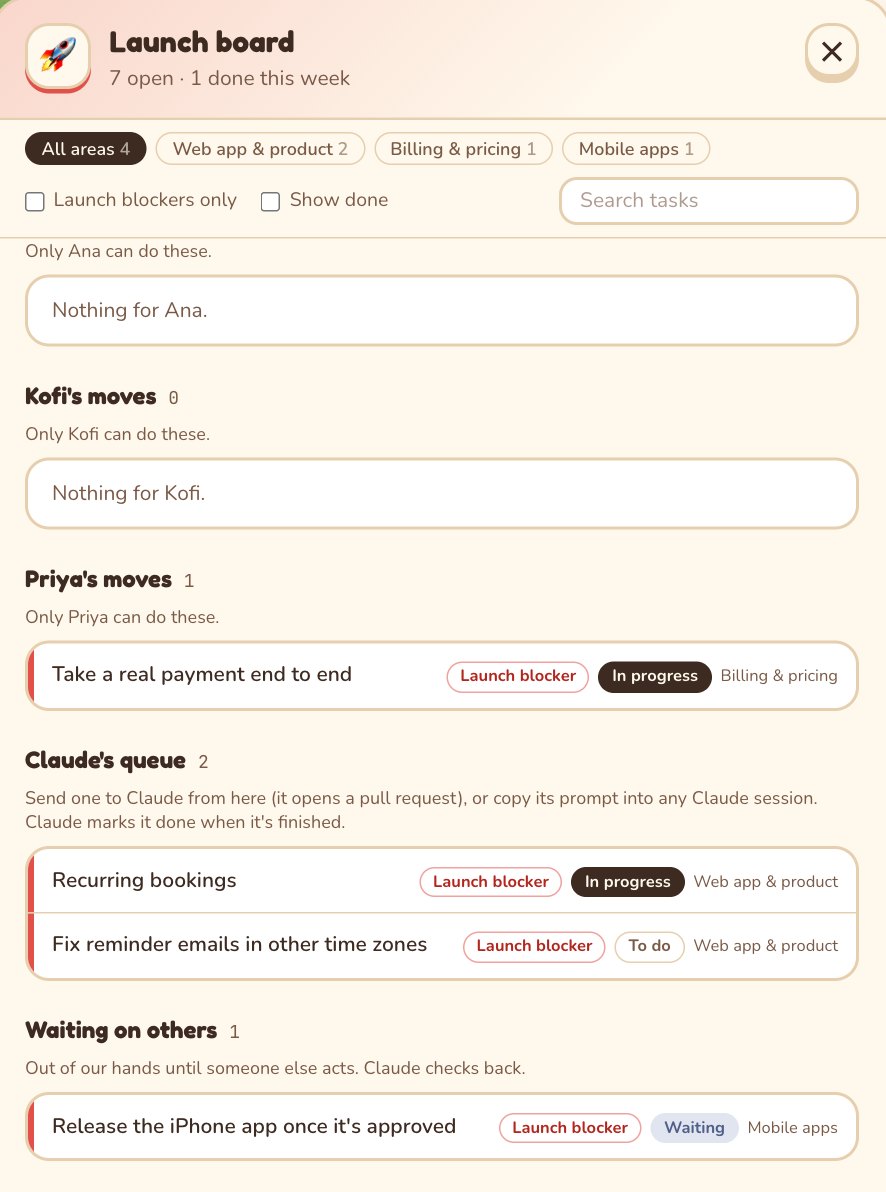
A launch board that your team and your agents both keep up to date, so everyone can see what's left.
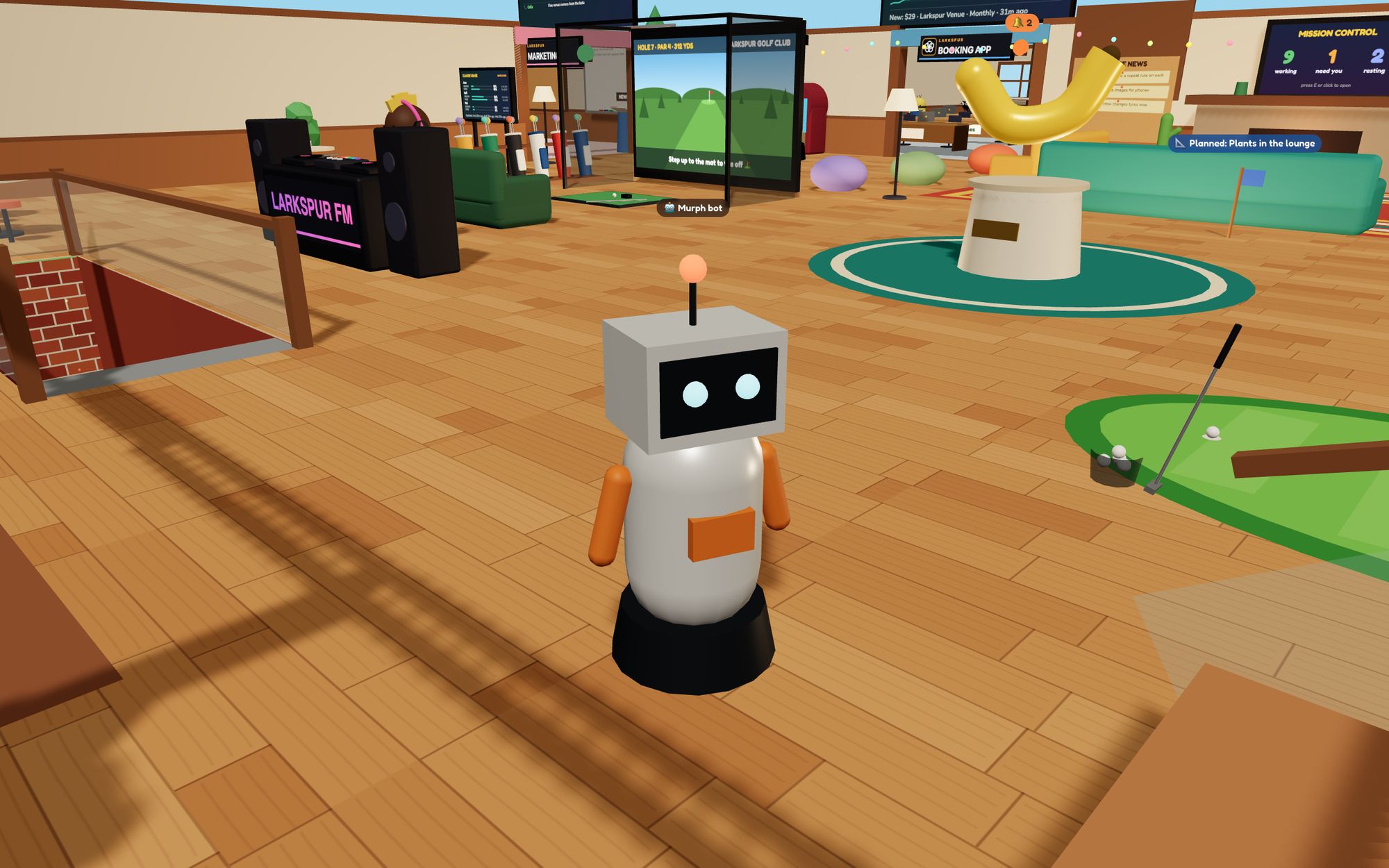
Ask him for a file, a preview link or where a task is up to. He can start the work too.
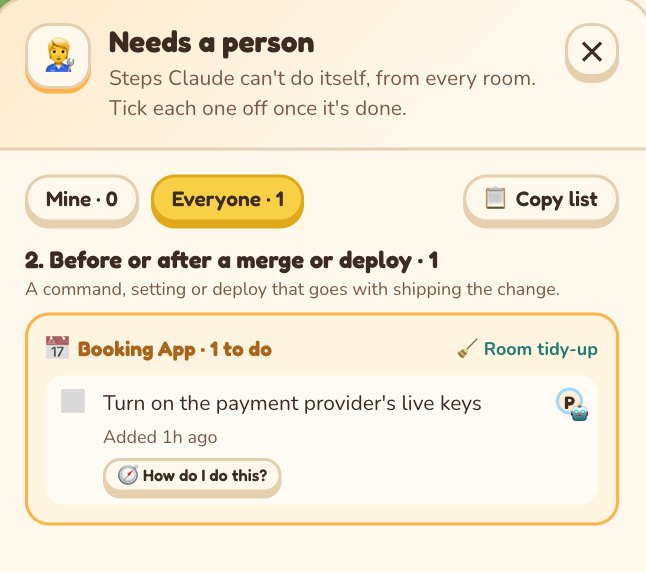
When a pull request needs a human step, like a password or a DNS change, it lands on the team's checklist.
A channel per repo. Post a message to start a task, then merge from the thread.
Every repo gets coding rules for the agents and a tidy-up check after each push.
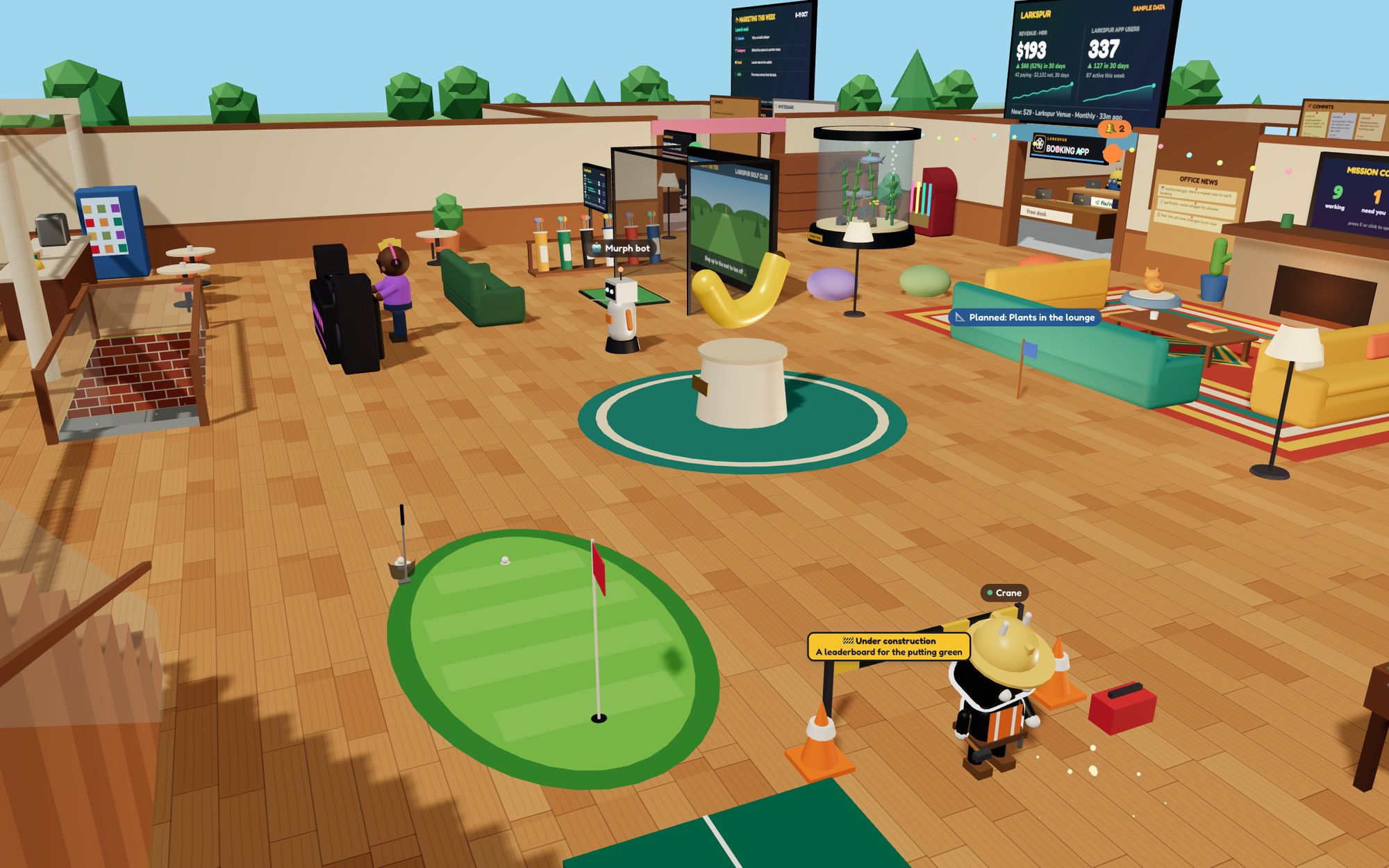
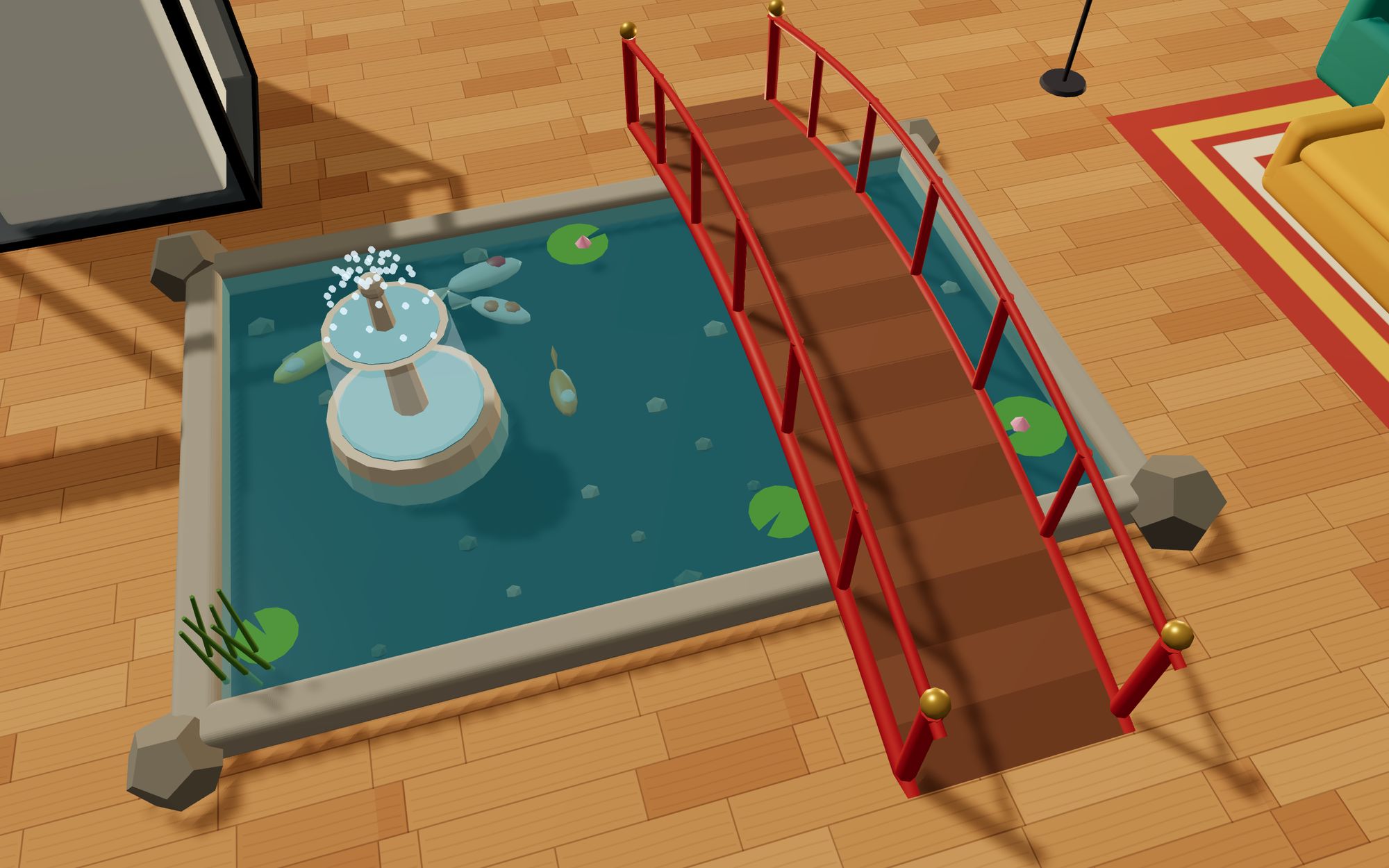
See who's in, walk over, chat or start a video call. Yes, there's a putting green.
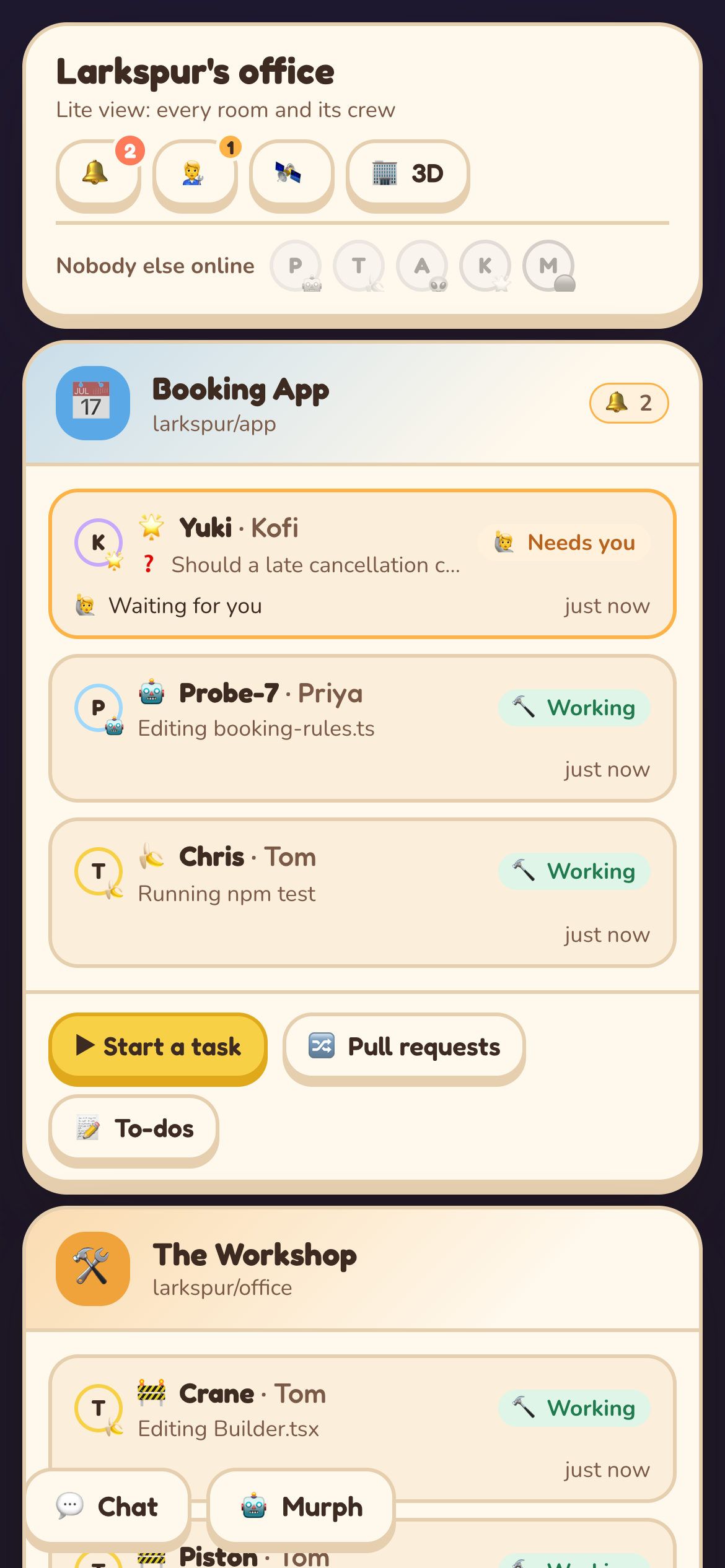
On a phone or a slow laptop, a simple 2D view shows the same rooms.
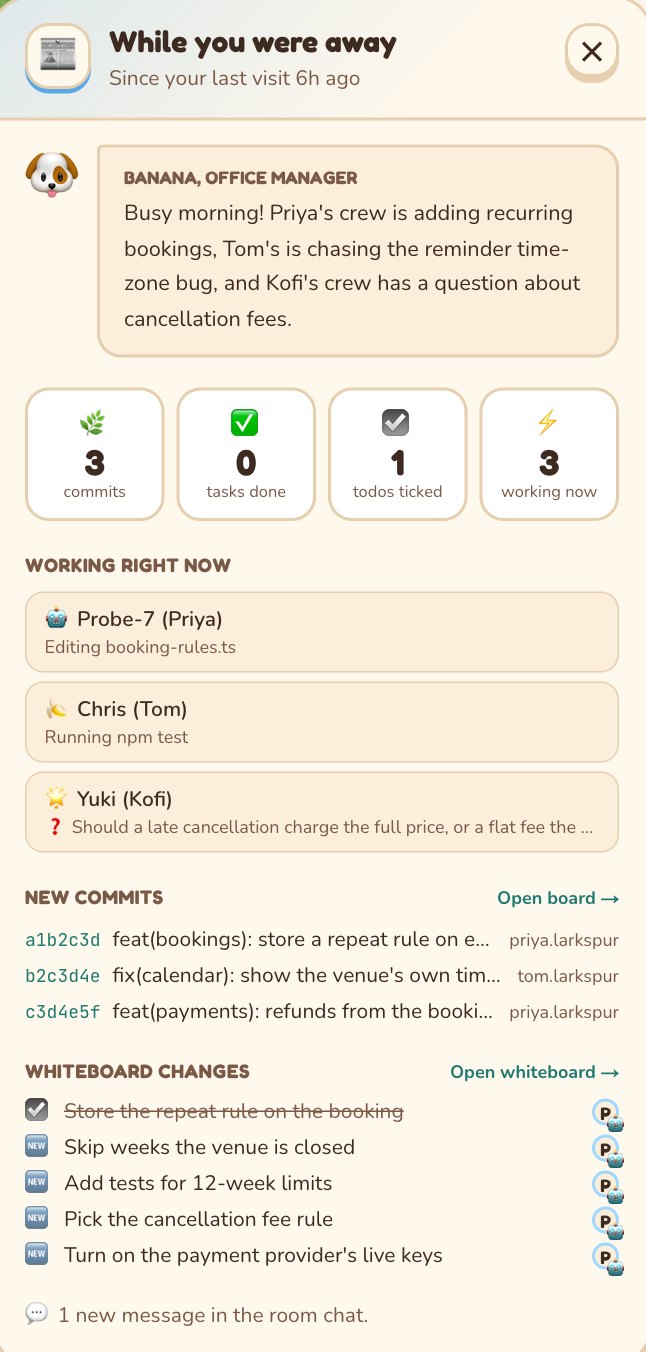
Come back to a short briefing on what the crew did since you left.
All of it from the demo office, made-up company and all.
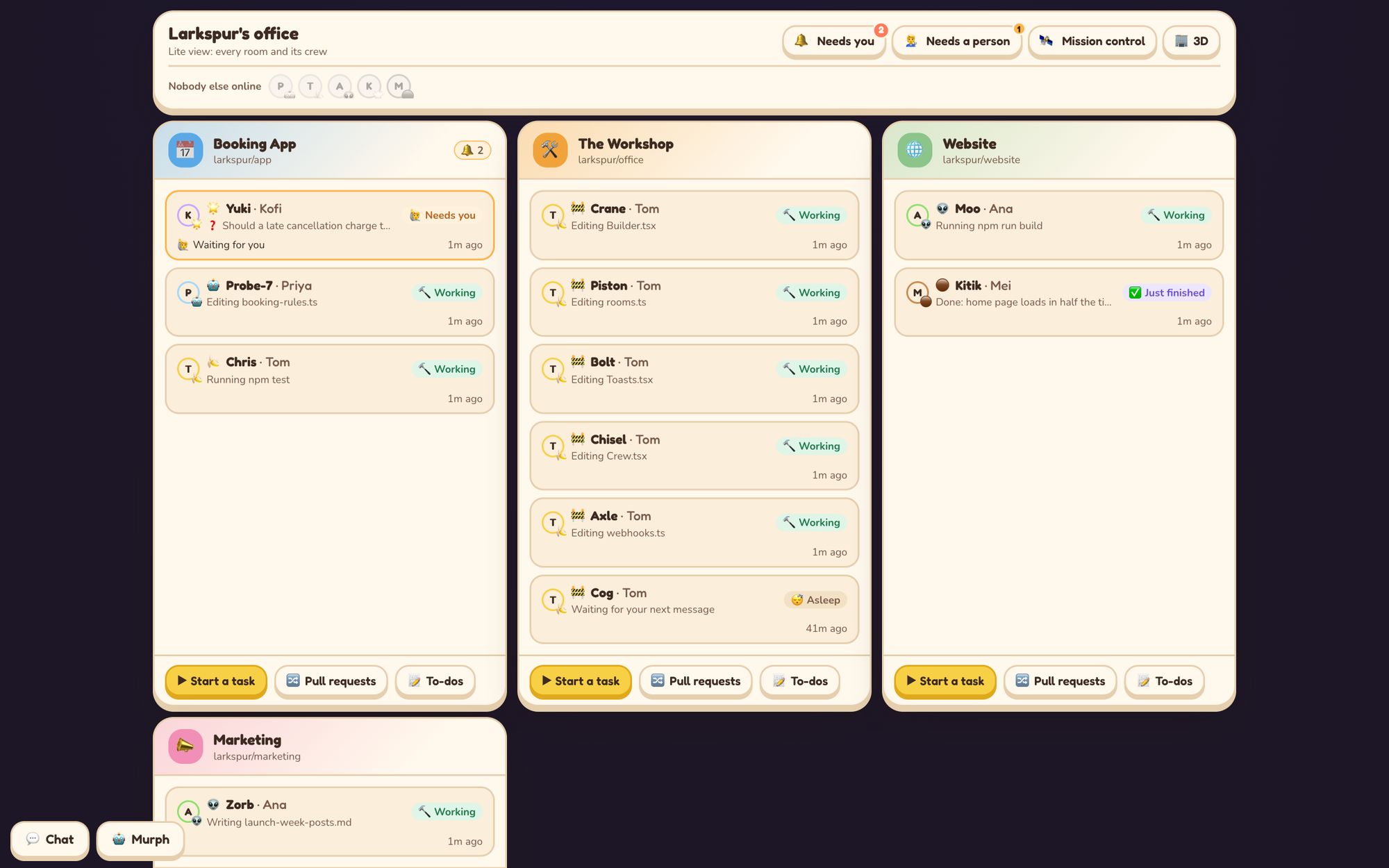
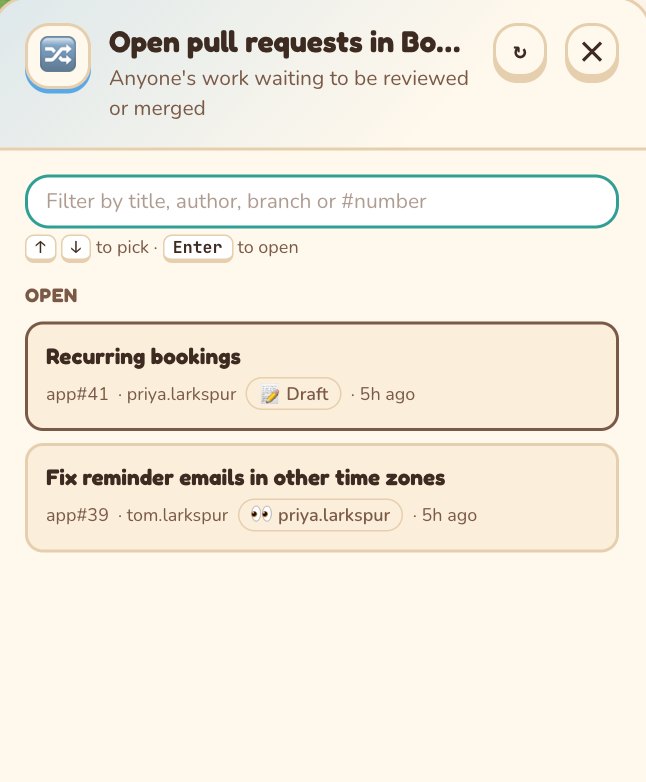
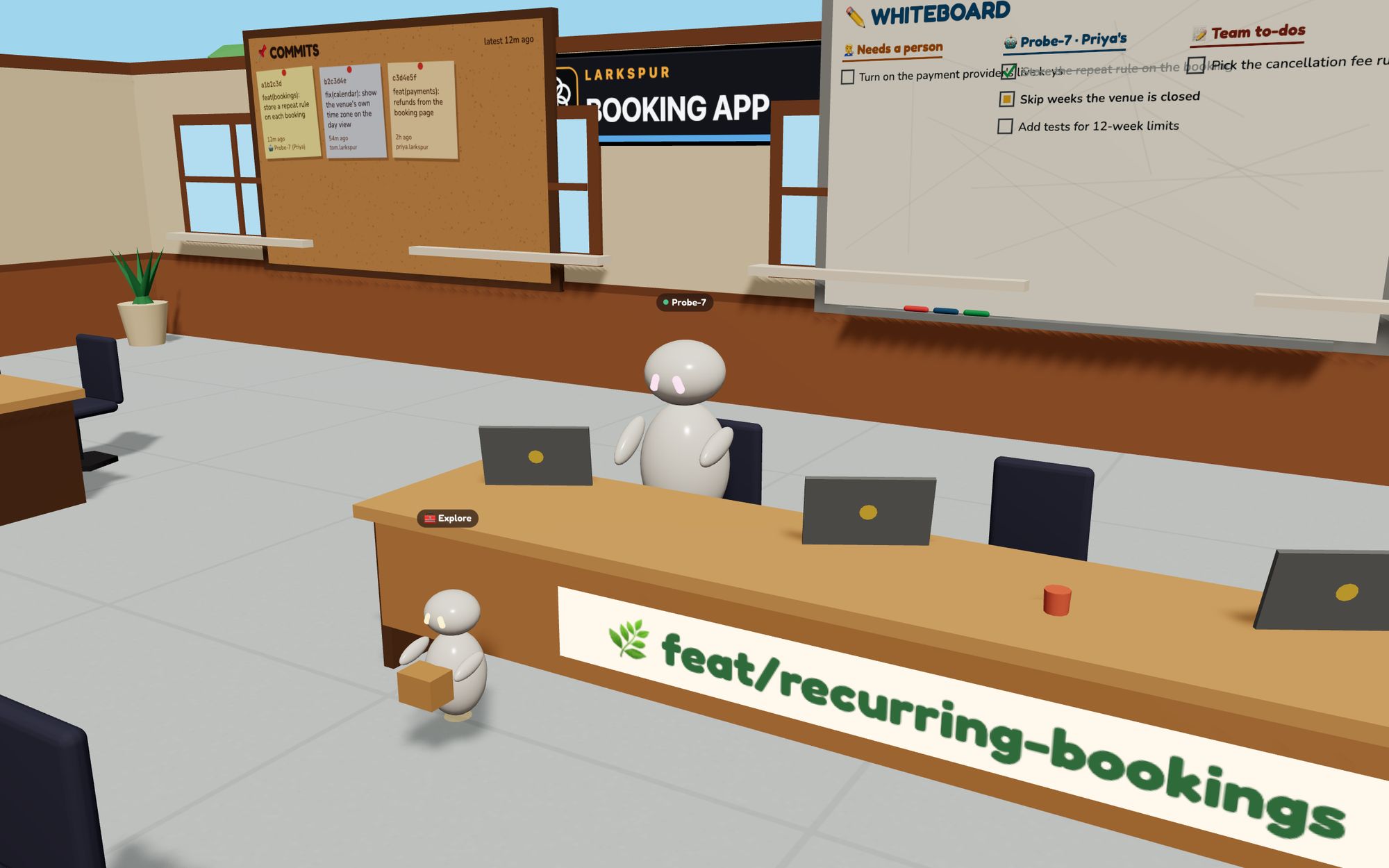
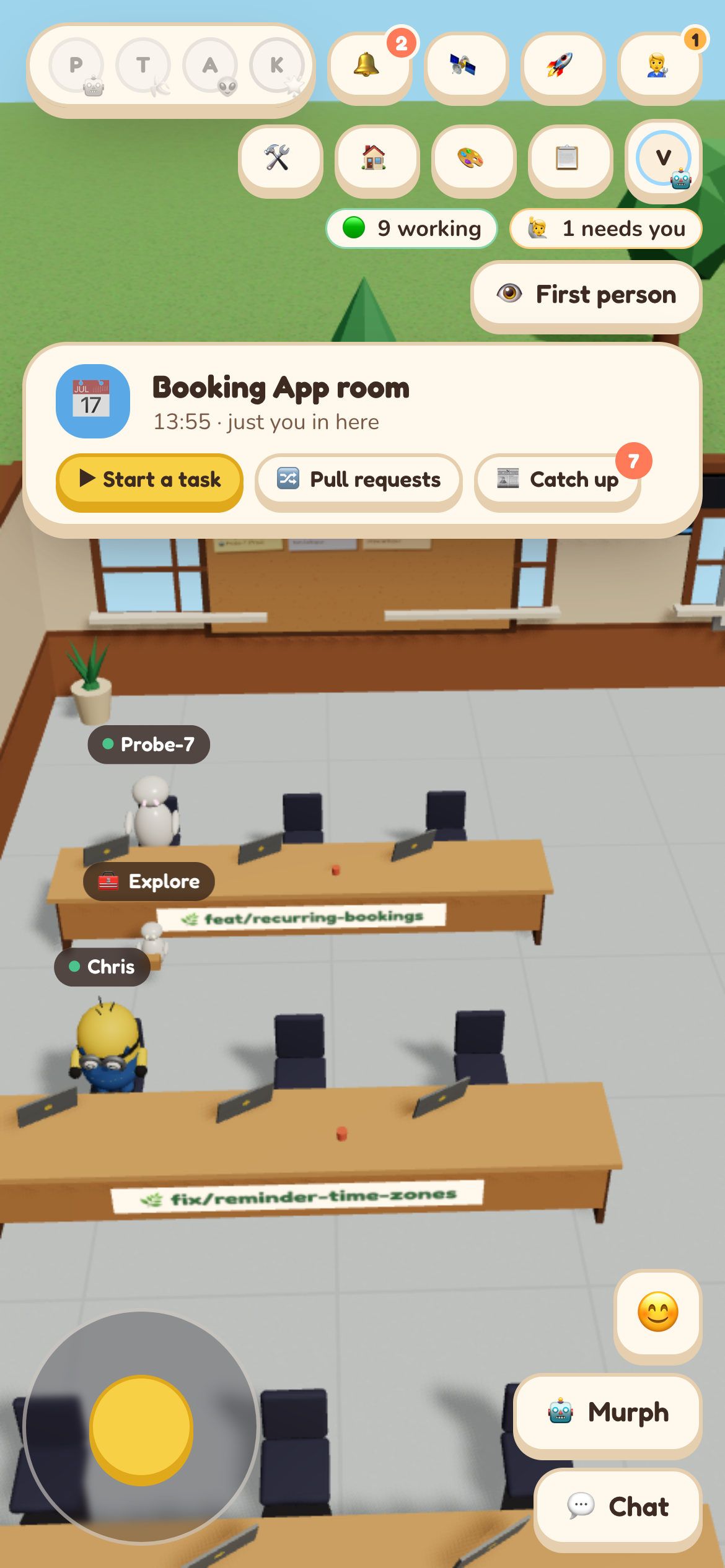
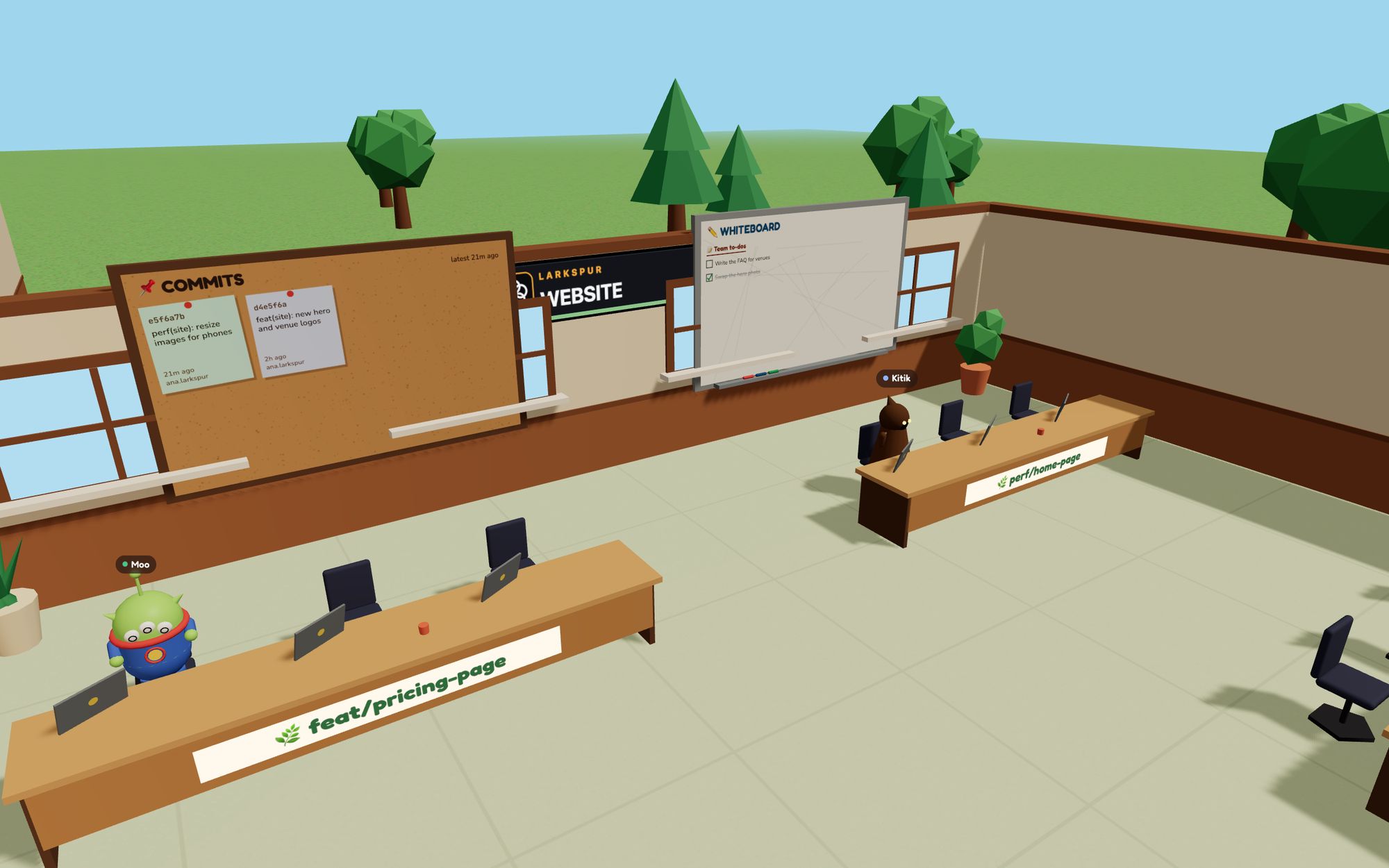
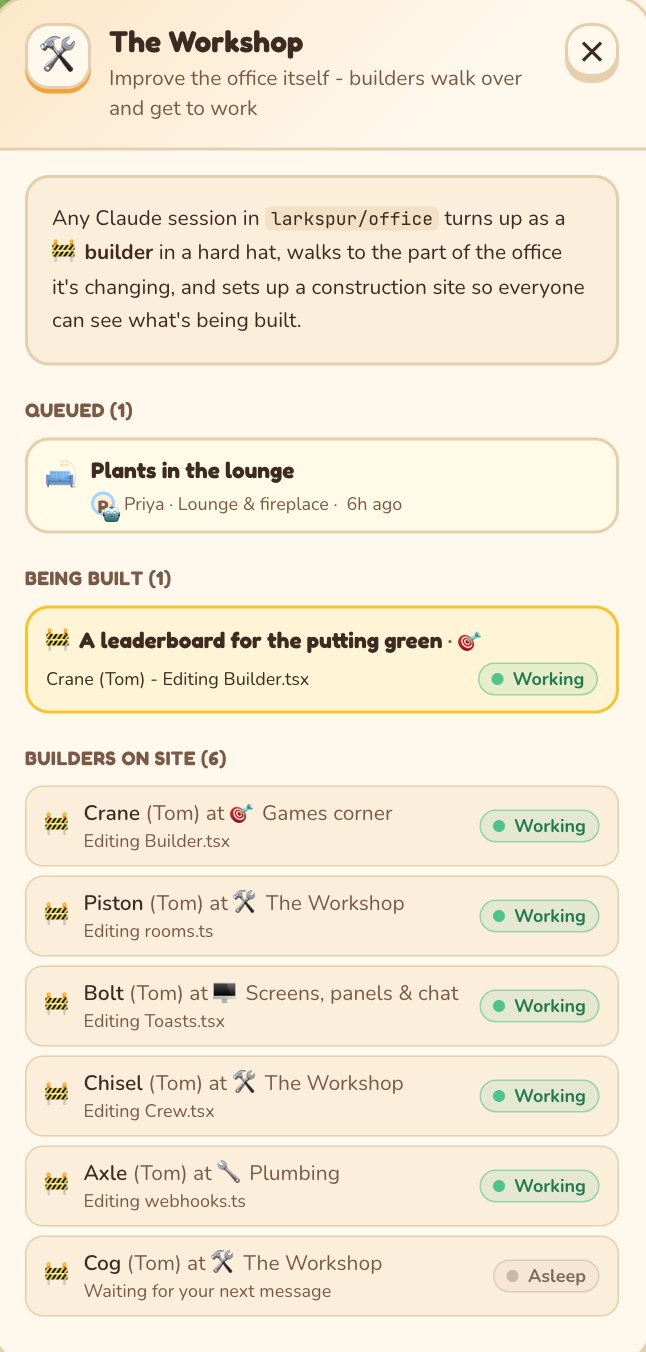
Free tools show your agents working. Office Bots is where the team hands them work and ships it: tasks, reviews, merges and the human to-dos, with nothing to host.
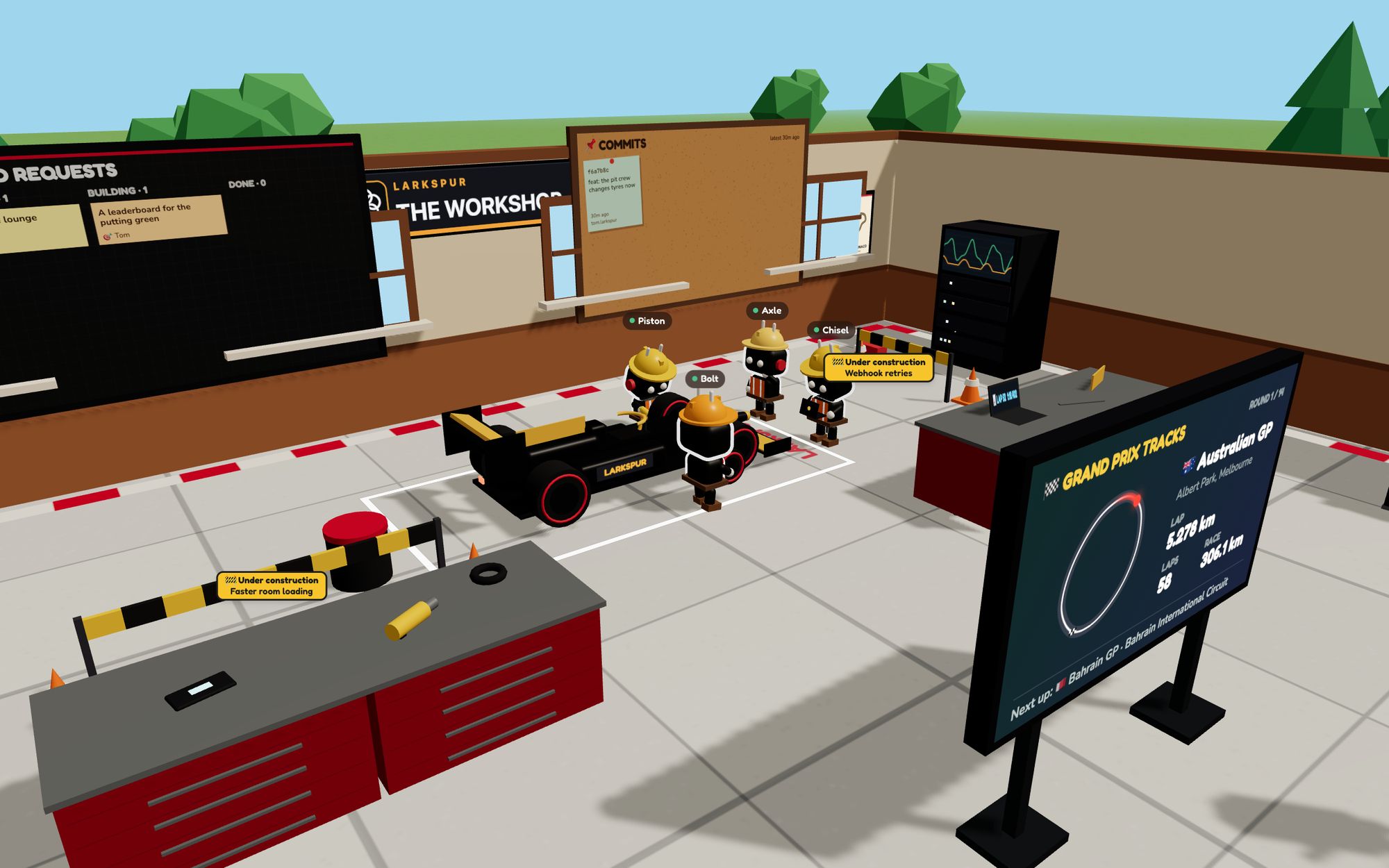
Our whole company works from an Office Bots office. Every agent, task and pull request goes through it, every day. That's the workshop: agents improving the office itself.
Pricing
You pay for the people in your office, not for agents or tasks: run as many Claude Code sessions as you like. People you invite to look round are free.
$20 per person a month
Free for the first 4 weeks, then $20 a month for each person in your office, if you keep it. Cancel any time.
Talk to us
A one-off set-up fee, then the monthly price. Fee not set yet
No card needed to start. Self-serve sign-up and card payments are coming. Your crew run on your own Claude Code plans, which Office Bots doesn't resell.
Short answers. The rest are on the full FAQ.
No. We host the office for you. There's nothing to install on a server and nothing to keep running.
No, not by default. A small script on each computer tells the office what each Claude Code session is doing: your messages to Claude, the commands it runs and which files it touches. It doesn't send your code or file contents unless you switch code sharing on.
The script blanks out anything that looks like a secret (API keys, tokens, passwords) on your computer before anything is sent. It works by spotting known patterns, so don't paste secrets into Claude if you can avoid it.
Claude Code today, with your code on GitHub. Other agents show up through the commits they push; live support for them is coming.
Yes. Tasks run on your own Claude Code, and developers keep working the way they do today.
Yes. Phones get a joystick to walk round, or a simple 2D view of the rooms. The 3D office runs in the browser, so a newer laptop helps.
Free for 4 weeks, then $20 per person a month. We set it up with you on a call.